





Paper is still the bottleneck in digital transformation
Despite years of digital transformation, paper forms remain widespread across industries.
ERPs manage the core transactions — but last-mile execution is still captured on paper.
While the need for digitization is widely recognized, converting existing forms into digital workflows remains slow, resource-intensive, and difficult to scale.
The challenge is no longer why to digitize — it is how to digitize faster.
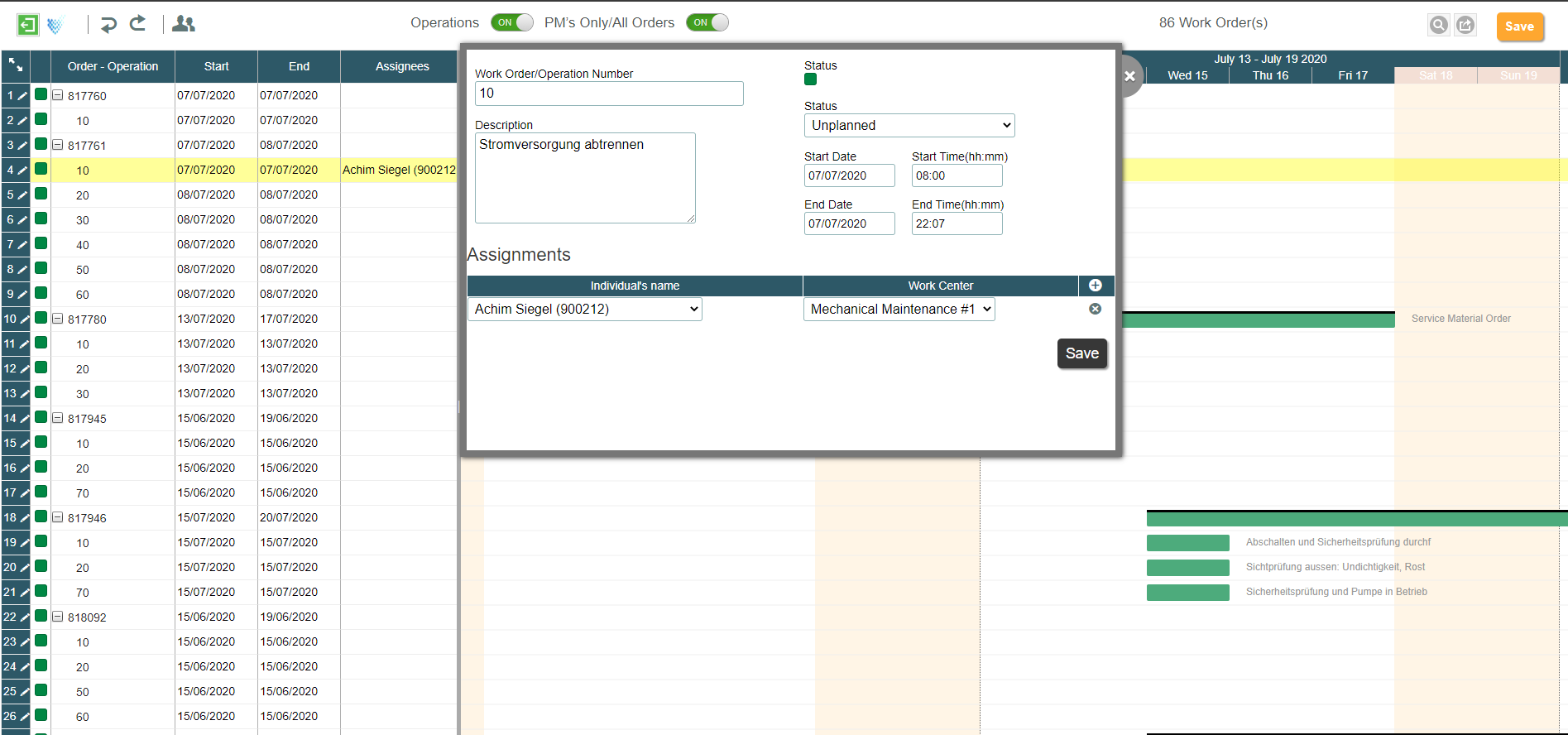
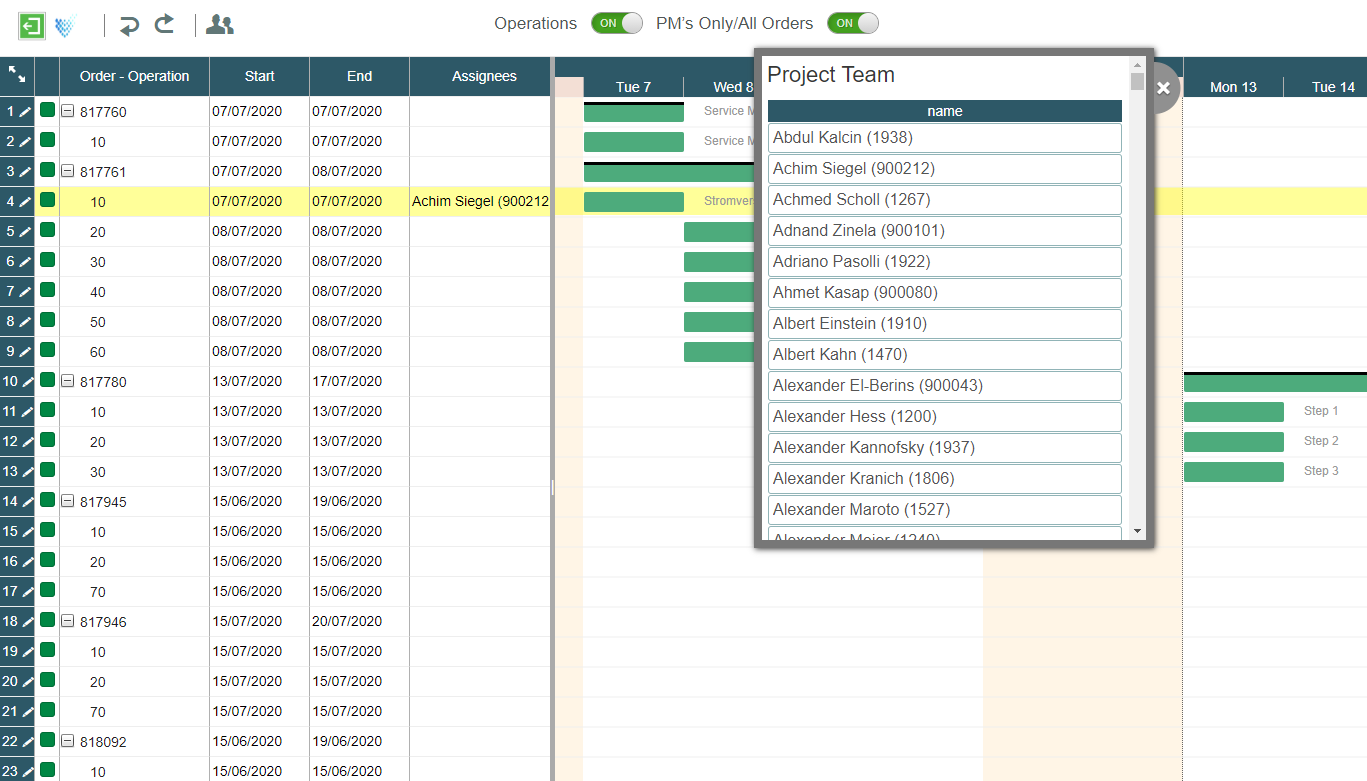
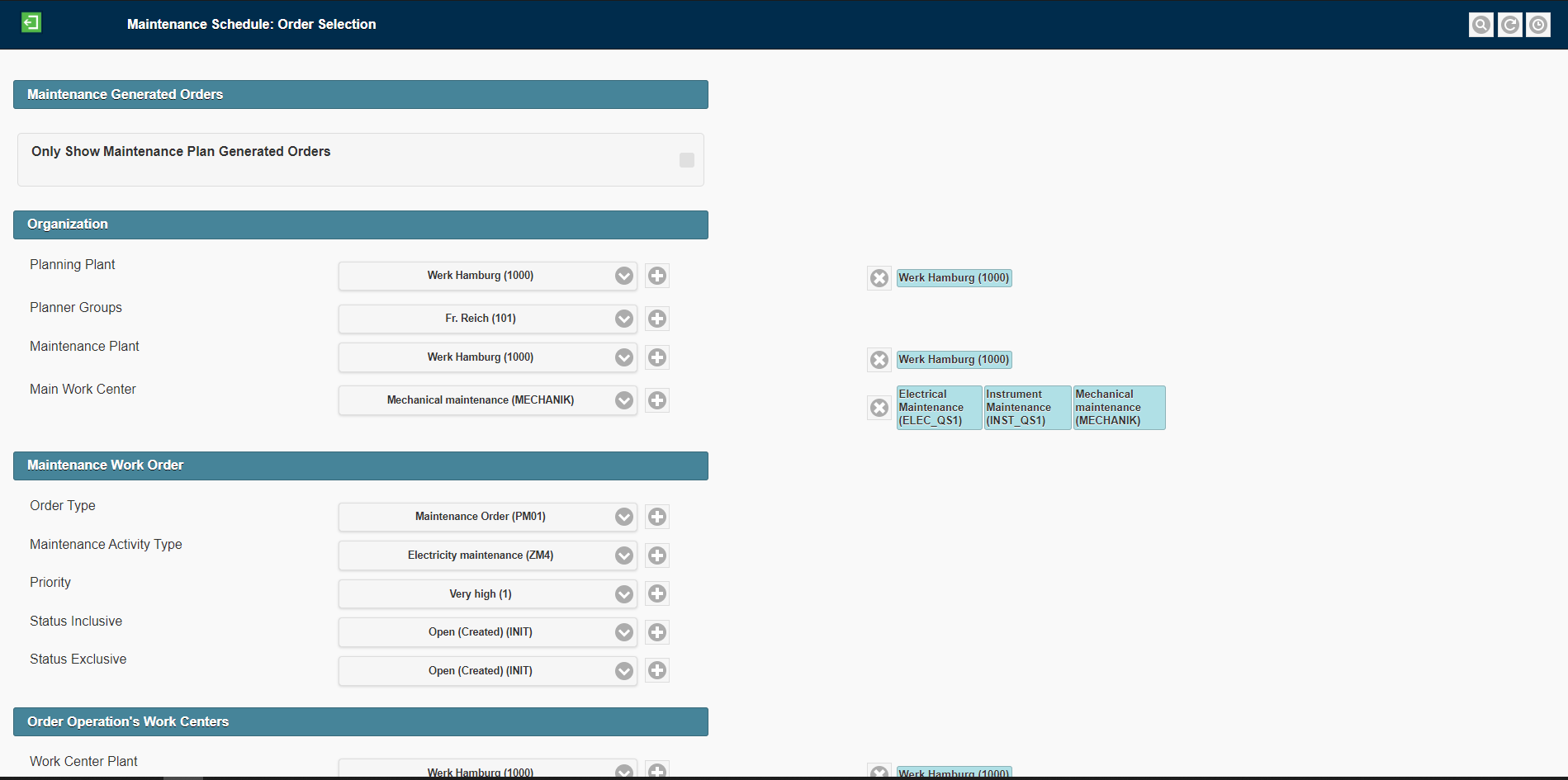
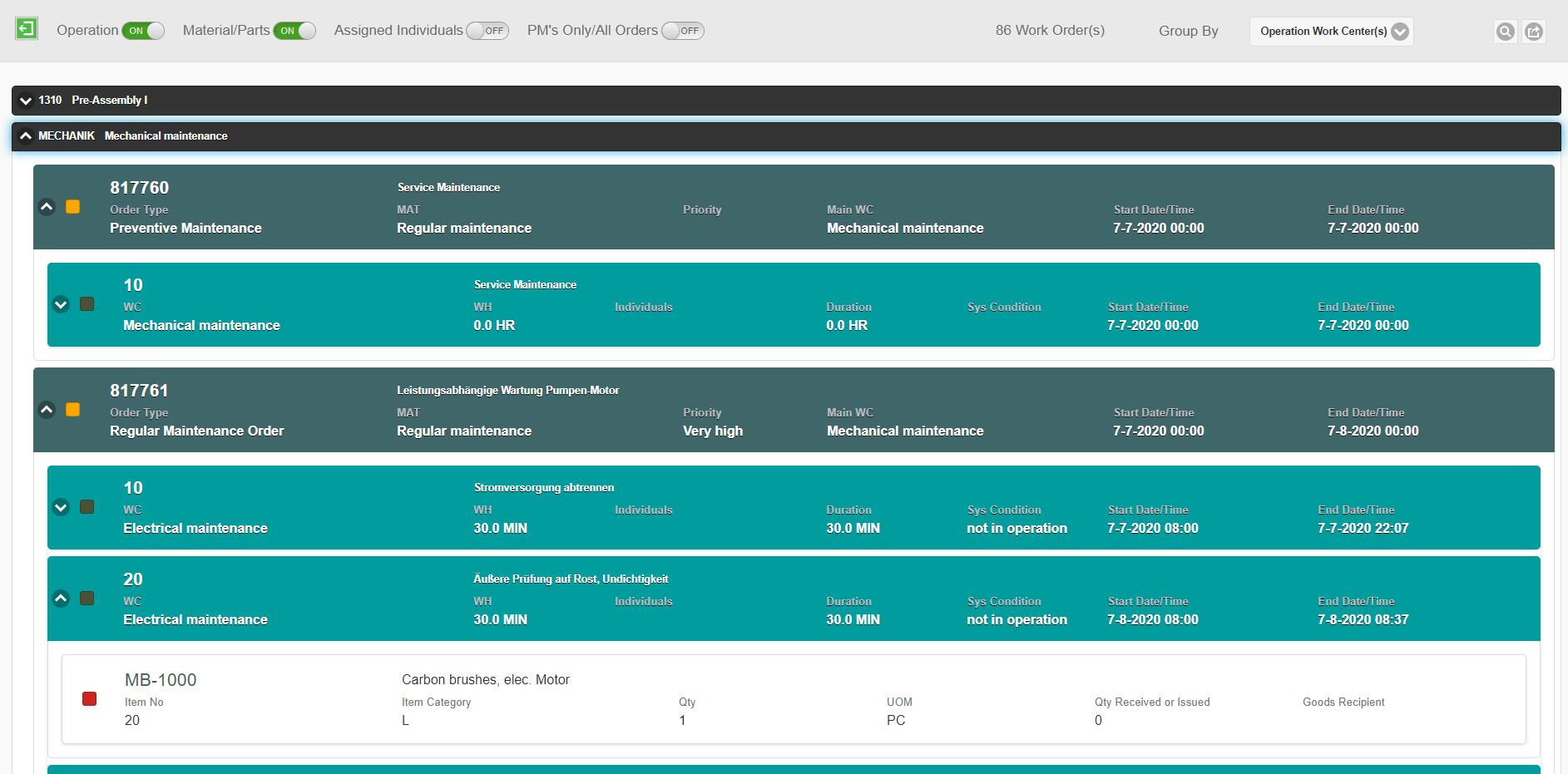
Popular Use Cases
Three Ways to Digitize a Paper Form
Most organizations choose one of three approaches:
Traditional Development
A developer rebuilds the form from scratch, then wires up workflow logic and testing. Reliable, but slow — every new form restarts the same long cycle.
Low-Code / No-Code Builders
No-code drag & drop builders remove the need for a developer, but someone still has to recreate every field, section, and rule by hand.
AI-powered Form Generation
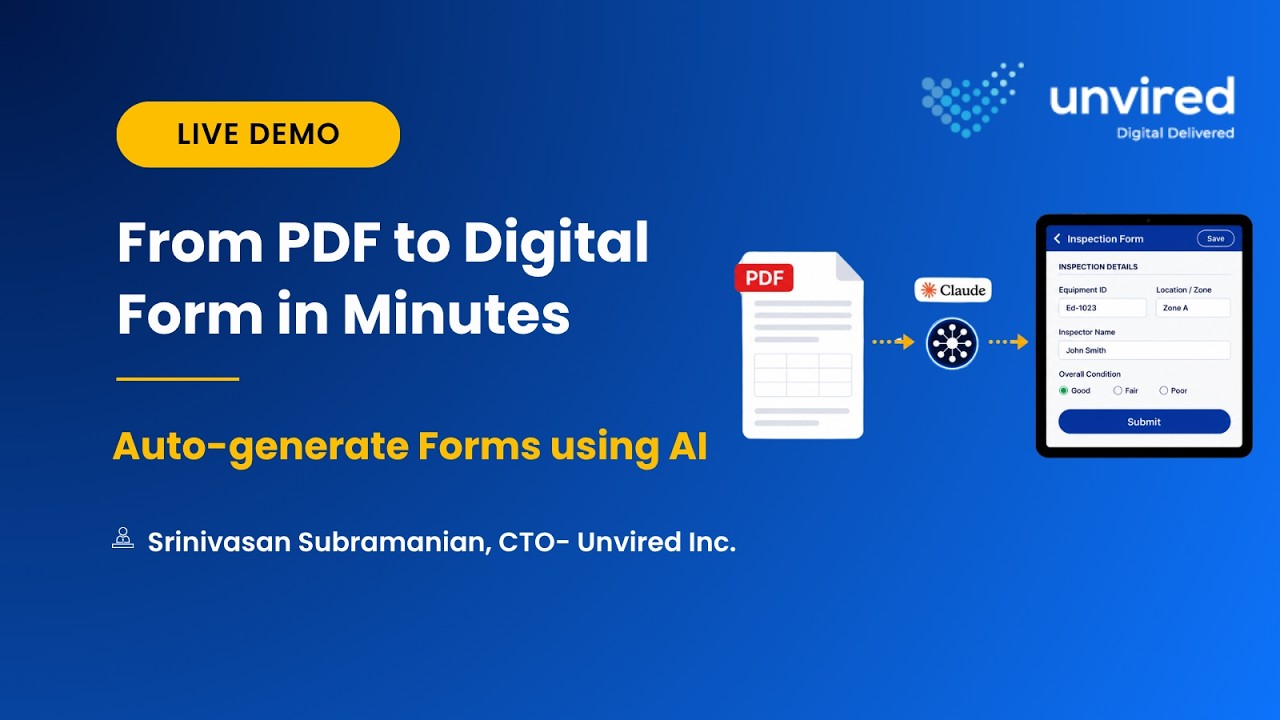
Upload the PDF or paper form you already have. AI reads it, builds the fields, sections, and validation rules, and hands you a working form to review.
Meet Unvired Turbo Forms — Now AI-Powered
Unvired Turbo Forms is an AI-powered enterprise form solution to design, deploy, and run digital forms, apps, and workflows, integrated with the systems you already use. AI is now built directly into it, not bolted on beside it.
Build Forms & Apps
Build digital forms, apps, and workflows with a visual, no-code builder.
Configure Workflows
Approvals, routing, and follow-up actions — configured, not coded.
Integrations
Native connectors to SAP, Salesforce and other enterprise systems of record.
Mobile & Web App
Cross-platform mobile & web app execution for frontline teams — iOS, Android, Windows tablets, and web. Offline-first.
Reporting & Insights
Dashboards and analytics from every submitted form.
AI/MCP-enabled
The layer AI plugs into — model-agnostic, standards-based.
AI capability across the form lifecycle
Four AI pillars — one continuous journey from design to insight.
AI Form Designer
Auto-generate a digital form from a PDF, scanned form, image, or a natural-language description.
AI Workflow Generator
Create process workflows from a diagram or a description.
AI-assisted Form Filling
Context-aware, guided user experience for the field worker completing the form.
AI Analytics
Auto-generated dashboards, trend detection, and user insights from every submitted form.
Unvired AI Form Designer
A process that once required a developer or drag-and-drop tools can now start with a single upload.
Upload an existing PDF or scanned copy of a paper form — or describe the form you need.
What AI Generates — Automatically
Supported Inputs
- Paper Forms
- Images
- Excel
- Natural Language
How It Works
Analyzes PDF
Ingests the uploaded source document.
Extracts Sections
Identifies logical form groups.
Detects Tables
Parses row-column data structures.
Builds Fields
Maps to typed digital inputs.
Generates Validation
Business rules ready to review.
How to Convert Paper forms & PDFs to Digital in Minutes using AI Form Designer
Upload an existing PDF, spreadsheet, scanned document, or describe the form you need. AI automatically generates an enterprise-ready digital form, complete with fields, layouts, validation rules, and calculations. Review, refine, and publish using the same drag-and-drop builder.
Built for the Processes Slowing Your Teams Down
Transform your paper-based business processes & workflows with Unvired Turbo Forms — superfast.
Inspections
Turn inspection checklists into digital forms your team can fill out from a tablet or phone — no more re-keying paper checklists after the fact.
Work Permits & Safety
Digitize work permits and HSE forms in minutes, with validation rules that catch missing signatures or incomplete steps before submission.
Maintenance Checklists
Convert maintenance and preventive-maintenance checklists into structured digital forms that feed straight into your reporting.
Quality Inspections
Build quality and QA forms with the same field logic and sign-offs your paper process already requires.
Field Service Reports
Give field service teams a digital version of the exact report they already know — generated from the PDF you already use.
Accident/Incident Reporting
Enable workers to report accidents/incidents through mobile devices.
Two Ways to Try It, Free
Try It Yourself
Free access (limited-time) to the Unvired Claude Connector and TurboForms MCP Server — so you can try the whole flow yourself.
Send Your PDF to Us
Send a non-confidential paper form or PDF to us — we'll convert it and send it back to you, at no cost.
Questions? We've got answers.
AI Form Designer is an Unvired Turbo Forms capability that automatically generates a working digital form from a PDF, scanned paper form, image, or a written description — no templates or manual field mapping required.
AI Form Designer typically produces an 80–90% enterprise-ready form on the first pass, including fields, sections, and validation logic. You review and refine it afterward in the same drag-and-drop builder — it's a head start, not a finished product you can't touch.
Today's version runs on Claude. Our architecture is designed to support multiple leading language models, with ChatGPT and Gemini support planned.
If you already have a Claude subscription — including the standard $20/user/month plan — there's no additional cost to generate forms with AI Form Designer.
Yes. Turbo Forms includes native connectors to SAP and other enterprise systems of record, so form data flows directly into the systems you already run.
Yes. Turbo Forms can be embedded into your existing mobile apps, embedded into web portals, connected through REST APIs, or used as a standalone enterprise forms solution.
It works best with structured PDFs and clearly scanned forms. Handwritten or low-quality scans may need more manual review after generation.
Your form data stays within your own governed Unvired and Claude access — it isn't exposed outside your organization.
Yes, for a limited time. Registered users get free access to the Unvired Claude Connector and TurboForms MCP Server to generate forms themselves, or can send a non-confidential PDF to Unvired for a free conversion.
Beyond AI Form Designer, Turbo Forms includes AI-Assisted Form Filling (a guided, context-aware experience for field workers completing a form) and AI Analytics (automatic dashboards, trend detection, and insights from every submitted form) — both available now. AI Workflow Generator, which builds process workflows from a diagram or description, is coming soon.