





Your technicians already use SAP mobile apps for work execution. Work orders are digital. Maintenance updates happen in real time.
But inspections, checklists, work permits, safety observations, and compliance forms still often happen outside those workflows — on paper, spreadsheets, PDFs, emails, or disconnected apps.
A technician completes an inspection in the field. Someone later re-enters the information into a spreadsheet. A supervisor reviews it over email. Eventually, the data reaches SAP.
Meanwhile, a maintenance issue sits unresolved. A permit approval gets delayed. A compliance record is incomplete during an audit.
This is still the daily reality for many SAP EAM and field service organizations.
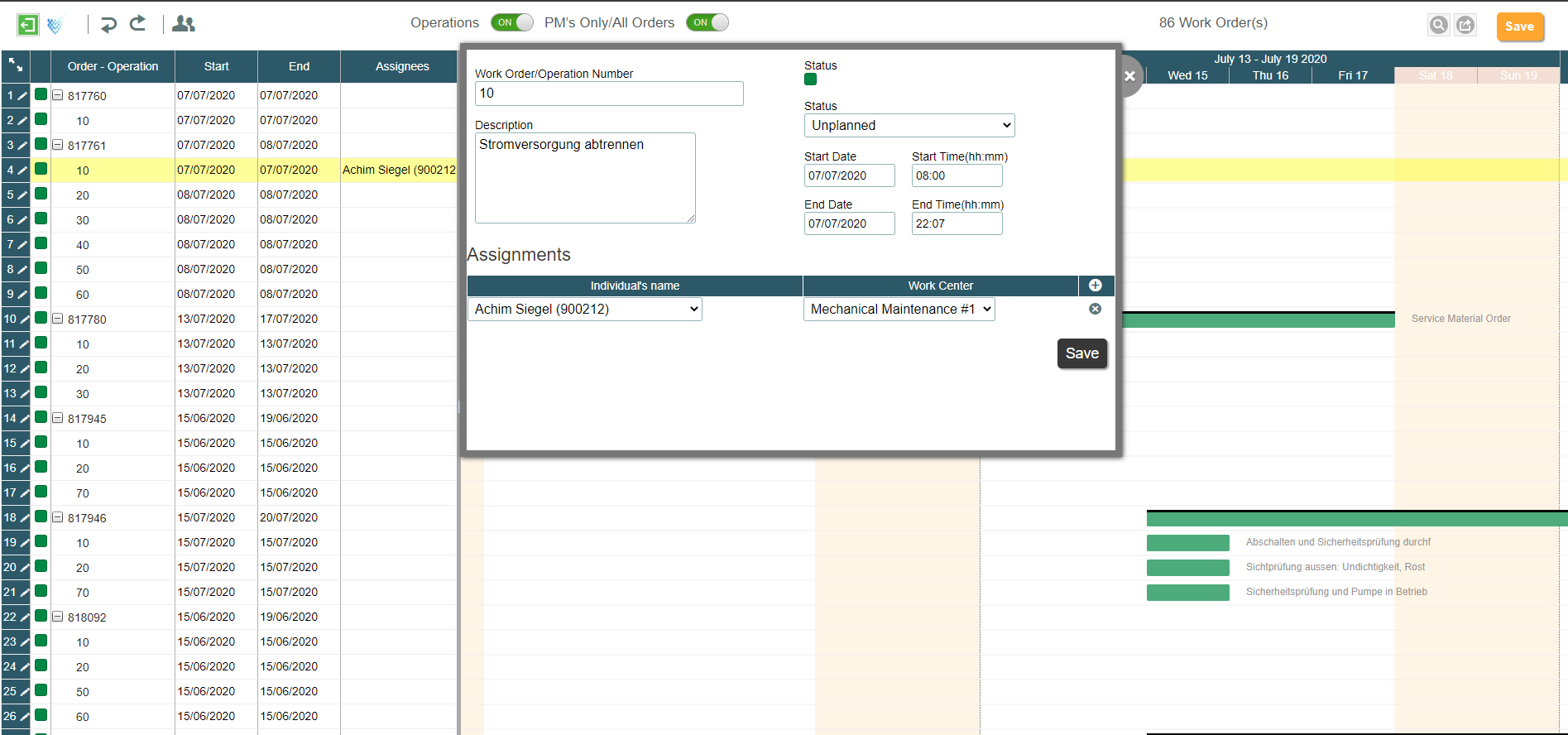
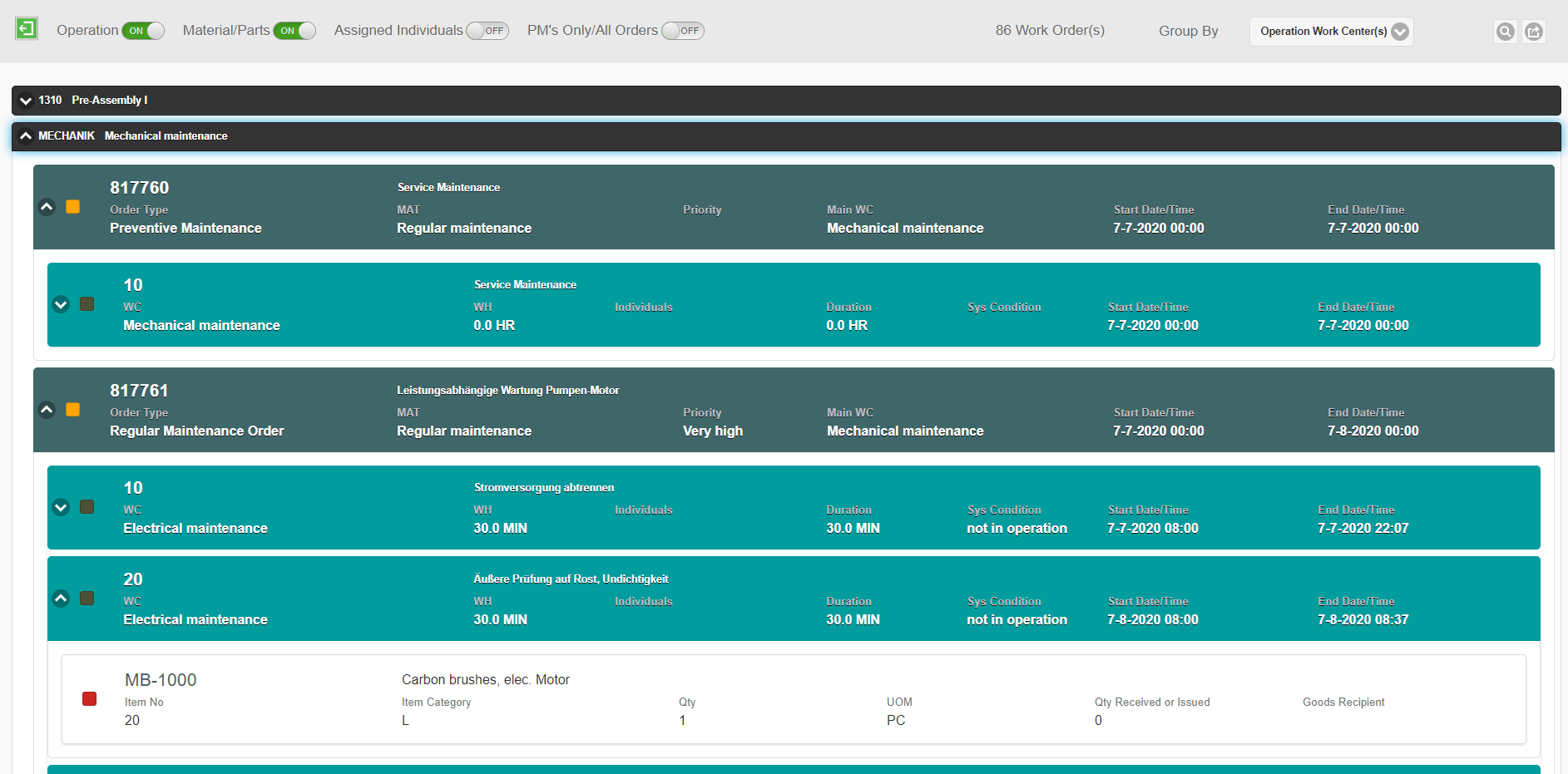
For organizations using SAP Plant Maintenance (SAP PM), mobile inspection forms integrated with work orders can help technicians complete maintenance checklists, equipment inspections, and safety documentation directly from their mobile devices. Instead of managing paper-based forms separately, technicians can access digital forms within their SAP mobile work order workflows and submit inspection results back to SAP.
The Hidden Gap in SAP Mobile Strategies
“But we already have SAP mobile apps for work orders.” Right — and that’s exactly the problem. Forms aren’t part of those apps. They live separately, offline, on paper.
Most SAP mobility initiatives focus on executing work in the field. That is necessary — but it is not enough.
When inspections, permits, approvals, and compliance forms sit outside the mobile workflow, organizations create friction that slows execution and reduces visibility.
Field teams end up switching between:
- SAP mobile apps
- Paper forms
- Spreadsheets
- Emails
- PDFs
- Camera uploads
The result is delayed updates, duplicate data entry, disconnected approvals, and inconsistent documentation.
The issue is not SAP mobility itself.
The issue is that operational workflows around the work order are still disconnected. And that creates serious inefficiencies across maintenance, operations, reliability, EHS, and field operations.
The Better Approach: Embedded Digital Forms with SAP Integration
Organizations do not need another standalone forms application or a large custom SAP project to solve this.
A better approach is to embed digital forms directly into existing SAP mobile applications. Whether you use SAP Service & Asset Manager, a partner solution like Unvired Mobile EAM, or 3rd party apps.
That allows technicians to launch inspections, permits, checklists, and compliance forms directly from SAP work orders and field activities — inside the same mobile app they already use.
Field teams can:
- Capture photos, signatures, videos, and readings
- Work online or offline
- Route approvals automatically
- Sync updates back into SAP in real time
No paper. No duplicate entry. No switching between systems.
SAP PM Work Order Inspection Forms in a Mobile App
Manufacturing and maintenance teams using SAP Plant Maintenance (SAP PM) need more than mobile access to work orders. They also need a way to complete equipment inspections, maintenance checklists, safety forms, and work-related documentation during field execution.
A mobile app with SAP PM work order inspection forms allows technicians to access the required digital forms directly from their work orders. They can complete inspections, enter equipment readings, capture photographs, collect signatures, and submit results without switching between multiple applications.
Key capabilities include:
- Work order-based inspection forms: Launch relevant inspection forms directly from SAP maintenance work orders.
- Digital maintenance checklists: Replace paper-based inspection sheets with structured digital forms.
- Equipment inspection data: Capture readings, observations, and equipment conditions during maintenance activities.
- Photo and signature capture: Attach inspection evidence and collect digital sign-offs.
- Offline form completion: Complete inspections in areas with limited connectivity and synchronize data when connectivity returns.
- SAP integration: Transfer submitted inspection information back to the connected SAP environment.
With Unvired Turbo Forms, organizations can digitize inspection forms, maintenance checklists, work permits, and other operational documentation and integrate them into existing SAP mobile applications.
AI Is Changing How Forms Are Created
Another important shift is happening in how organizations create and manage forms. Traditionally, digitizing inspections and compliance workflows required significant IT involvement. That is changing quickly.
- Generate digital forms from PDFs and spreadsheets
- Use AI-assisted form creation
- Convert voice notes, images, text, and videos into structured form data
- Deploy new workflows much faster
For example, a technician can record a voice note during an inspection, and AI can extract the relevant information to populate the form automatically before submission. The result is faster reporting, better data quality, and a simpler experience for field teams.
Why This Matters Now
Operational leaders are under pressure to improve compliance, reduce delays, and increase visibility across field operations. Disconnected forms directly impact all three.
The goal is not simply to replace paper. It is creating connected workflows that fit naturally into existing SAP mobile processes.
One app. One workflow. Real-time visibility.
How Unvired Helps
Unvired helps organizations extend SAP mobile capabilities without disrupting existing systems or building complex custom applications.
With Unvired Turbo Forms, organizations can digitize inspections, permits, checklists, safety observations, and compliance workflows directly inside existing SAP mobile apps. For SAP Plant Maintenance teams, Unvired supports digital forms integration with mobile work order execution. Technicians can complete inspection checklists, work permits, and maintenance forms associated with work orders, capture field information, and synchronize submitted data with SAP. This helps organizations connect maintenance execution with inspection and documentation workflows.
Teams can simplify field execution, improve operational visibility, and accelerate digital transformation without replacing current SAP mobility investments.
If you’re exploring digital forms for SAP or modernizing paper-based operational workflows, contact Unvired for a personalized demo and free trial.
Frequently Asked Questions
1. What is an SAP PM work order inspection forms mobile app?
An SAP PM work order inspection forms mobile app allows maintenance technicians to access and complete digital inspection forms, maintenance checklists, and equipment-related documentation directly from mobile work orders. It helps organizations replace paper-based processes, capture inspection information in the field, and integrate submitted data with SAP Plant Maintenance.
2. Can inspection forms be integrated with SAP PM work orders?
Yes. Digital inspection forms can be integrated with SAP PM work orders, allowing technicians to access relevant checklists, inspections, and maintenance documentation during work execution. Unvired supports digital forms integration with mobile work order applications, helping organizations connect field inspections and maintenance activities with SAP.
3. What features should a mobile inspection forms app for SAP PM include?
A mobile inspection forms app for SAP PM should support work order-based forms, digital checklists, equipment readings, photo attachments, electronic signatures, offline data collection, approval workflows, and SAP integration. These capabilities help maintenance teams improve inspection documentation, reduce manual data entry, and streamline field operations.